Maximize Your Drafting Efficiency with Autodesk AutoCAD Services
- Sep 6, 2025
- 3 min read
In the fast-paced world of design and engineering, getting the details right while being efficient is crucial. Autodesk AutoCAD has become a go-to solution for drafting, allowing professionals to create precise drawings with remarkable speed. Whether you’re an architect, engineer, or designer, using AutoCAD drafting services can transform your workflow and boost productivity. In this post, we will explore the features and benefits of Autodesk AutoCAD that can help you optimize your drafting processes.
The Power of Autodesk AutoCAD
Autodesk AutoCAD is a leading computer-aided design (CAD) software that has been trusted in the drafting industry for over 30 years. It offers a comprehensive range of tools for creating both 2D and 3D designs, making it ideal for everything from architectural blueprints to intricate mechanical parts.
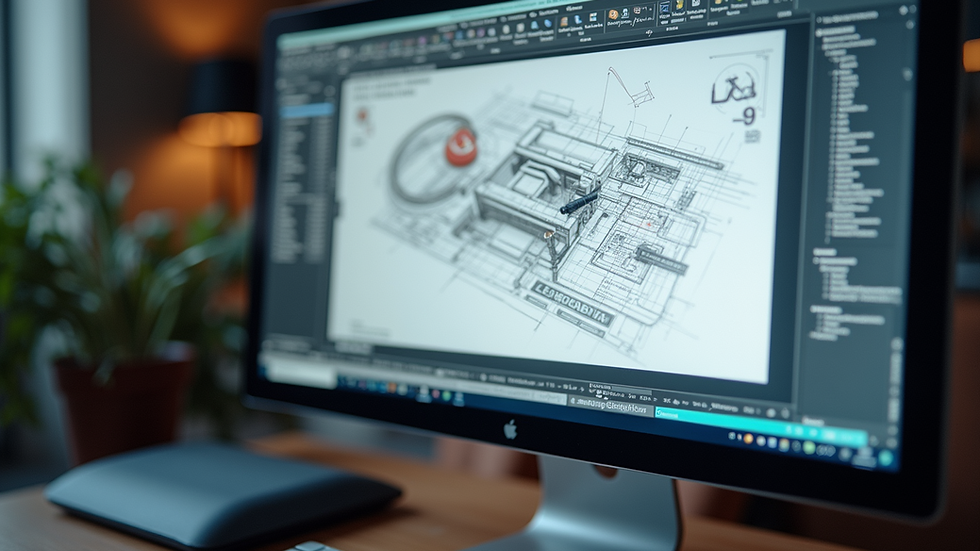
One major strength of AutoCAD is its easy-to-use interface, which streamlines the drafting process. Users can customize their toolbars and menus, enabling a setup that fits their unique requirements. This personalization leads to a more productive drafting experience. For example, users report saving up to 20% of their drafting time by optimizing their workspace settings.
Enhanced Collaboration and Communication
Effective communication is vital for the success of any project. AutoCAD supports seamless teamwork by allowing multiple users to collaborate on the same drawing in real time. This feature is particularly advantageous for drafting firms that require input from architects, engineers, and clients.
The cloud-based functionality also means users can access their designs from any location, facilitating quick sharing and immediate feedback. Studies show that effective collaboration can increase project completion speed by 30%, thanks to fewer misunderstandings and delays.
Precision and Accuracy
One of the biggest benefits of Autodesk AutoCAD is its precision. The software allows for high levels of detail in drawings with exact measurements, significantly decreasing the chance of mistakes that might occur with manual drafting.
AutoCAD includes advanced tools, such as dimensioning and annotation features, which ensure that every design aspect is correctly depicted. For instance, a recent analysis found that projects using AutoCAD had 25% fewer revisions compared to those relying on manual methods, showcasing its value in industries where accuracy is critical.

Automation and Efficiency
Autodesk AutoCAD enhances efficiency through automation of routine tasks. Features such as templates, blocks, and scripting options allow users to reduce manual work and focus on more complex tasks.
For example, by creating custom blocks for frequently utilized components, users can quickly insert them into drawings, speeding up the drafting process. Companies have reported up to a 40% increase in productivity by leveraging these automation features, which help maintain consistency and accuracy across projects.
Integration with Other Software
AutoCAD is designed to integrate smoothly with other software applications, boosting its overall functionality. Drafting teams can easily import and export files in various formats, including PDF and DGN.
This compatibility is essential for working collaboratively with clients and other professionals who use different tools. By employing AutoCAD drafting services, you'll ensure that your designs remain accessible and adaptable, eliminating potential roadblocks in your workflow.
Customization and Flexibility
No two drafting projects are the same. Autodesk AutoCAD accommodates this by providing extensive customization options. Users can create personalized tool palettes, modify commands, and develop unique applications using AutoCAD's API.
This flexibility lets businesses adapt the software to fit their exact needs, improving both efficiency and effectiveness. Whether you're working on straightforward floor plans or complex mechanical designs, AutoCAD provides the tools necessary to meet your goals.
Cost-Effectiveness
Investing in Autodesk AutoCAD can lead to notable cost savings over time. Improved efficiency and fewer errors allow businesses to complete projects more quickly and with fewer resources.
The automation capabilities and streamlined processes enable teams to take on additional work without increasing staff. This scalability is especially beneficial for small to medium-sized drafting firms aiming for growth without significantly raising overhead costs.
Wrapping Up
Autodesk AutoCAD serves as an essential tool for anyone involved in drafting. Its powerful features, including unparalleled precision, automation, and collaboration capabilities, make it a top pick for professionals across various industries. By utilizing AutoCAD drafting services, businesses can enhance their efficiency, minimize errors, and deliver high-quality designs to clients.
As the drafting landscape continues to evolve, staying ahead with powerful tools like AutoCAD is crucial. Harness the capabilities of Autodesk AutoCAD, and watch your drafting efficiency soar.


Comments